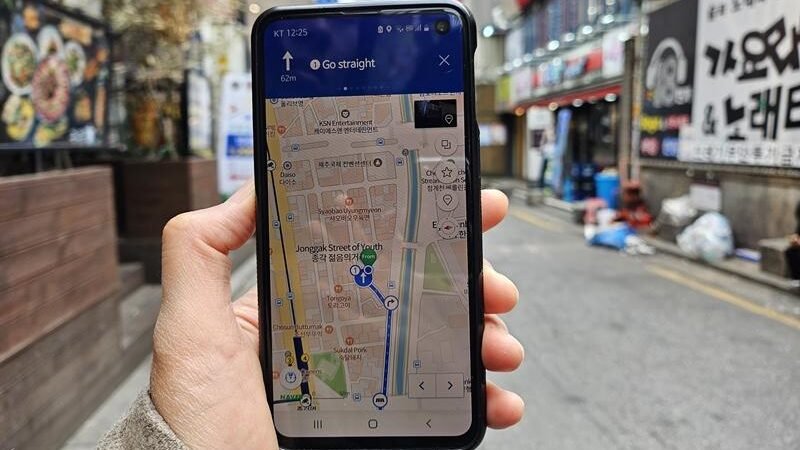
How to Use NAVER Map in Korea for Tourists (2026 Guide)
KSPOTZ VISUAL GUIDE · Updated 5 October 2026
Set up NAVER Map before landing and save your hotel’s Korean name and address. Then compare the work involved in each route—not just its headline duration.
Set the language once
Open MY → Settings → Language. NAVER lists Korean, English, Japanese and Simplified Chinese. On iPhone this may lead to the device’s NAVER Map settings; if the option is missing, add a supported language in Language & Region. Use the official help below if menus differ.
English menus do not translate every review or business description. Save the Korean spelling of important destinations even if you use English navigation.
Save a small arrival list
Start with your hotel, arrival station and two or three nearby food options. Group later pins by day or neighborhood. An address screenshot is a useful backup, but does not provide offline turn-by-turn navigation.
Where indoor maps are available, check the floor and elevator location. Follow on-site signs if corridors are closed. If your position marker drifts outdoors, pause safely and compare a visible intersection or building before walking farther.
Reviewed 4 October 2026. Prices, opening times and product conditions can change; use the linked operator or property page for your travel dates. Recommendations are KSpotz editorial judgments, not guarantees or personal stay reports.